Getting to Know Your Dashboard
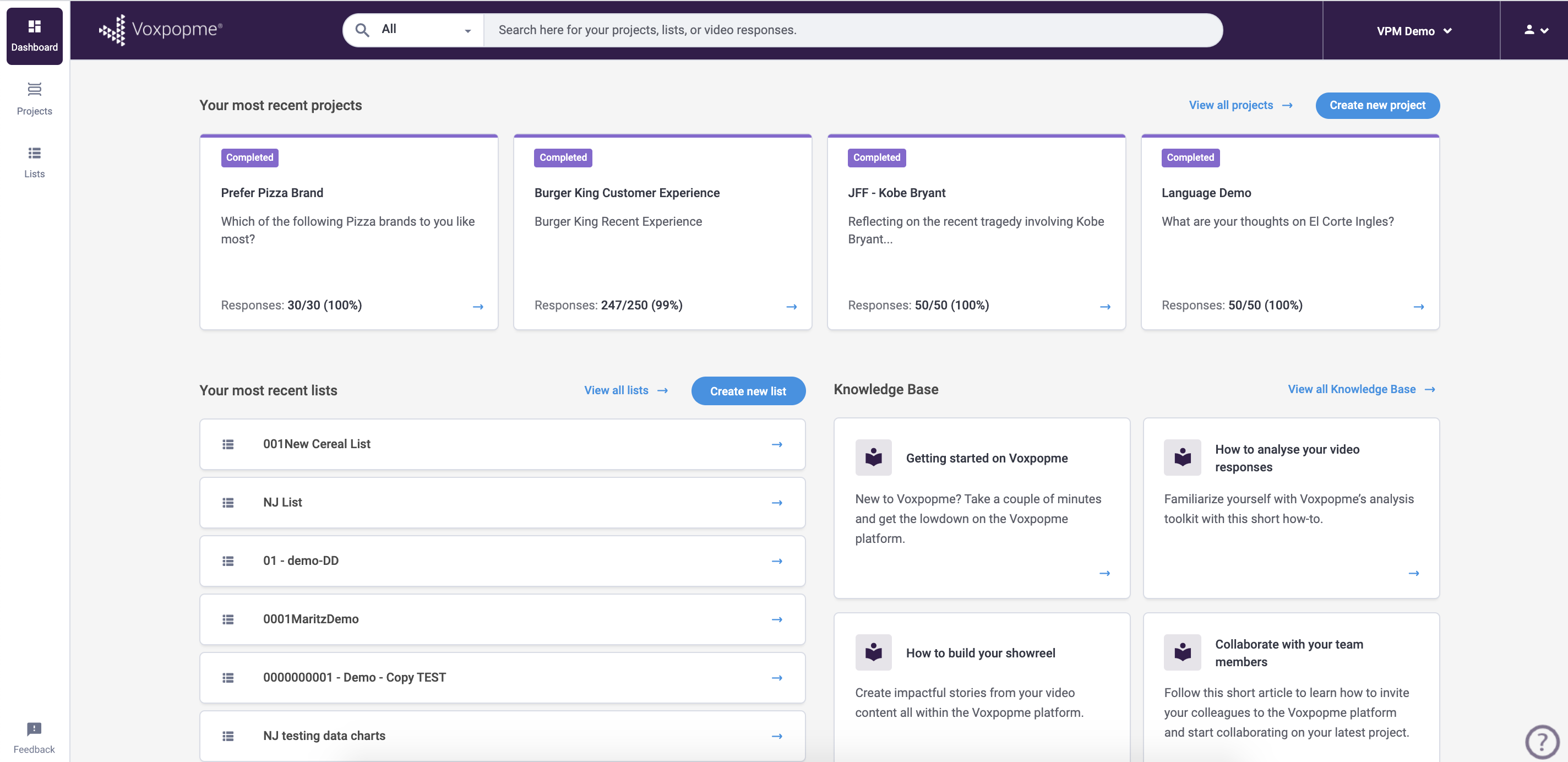
When you log in, you will see a personalized dashboard displaying your most recently accessed projects and collections. This interface adapts dynamically based on your activity within the platform, keeping your most relevant work front and center.
Key Terms
- Projects — Containers for video responses from specific research studies. Within a project, you can analyze responses and access analytical tools.
- Showreels — Curated compilations of video clips and snippets that can be downloaded or shared externally with stakeholders.
Navigating the Platform
- Create new projects — Use the “Create new project” button to launch the setup wizard with pre-built question templates.
- Browse existing projects — The left navigation menu displays your accessible projects with metadata. You can select multiple projects for combined analysis.
- Build showreels — The Showreel Editor lets you organize and share video compilations with your team or stakeholders.
- Search across everything — Use the search feature to query projects, collections, and response transcripts across the entire platform.