Adding New Users
To invite colleagues to join your Voxpopme workspace, follow these steps:
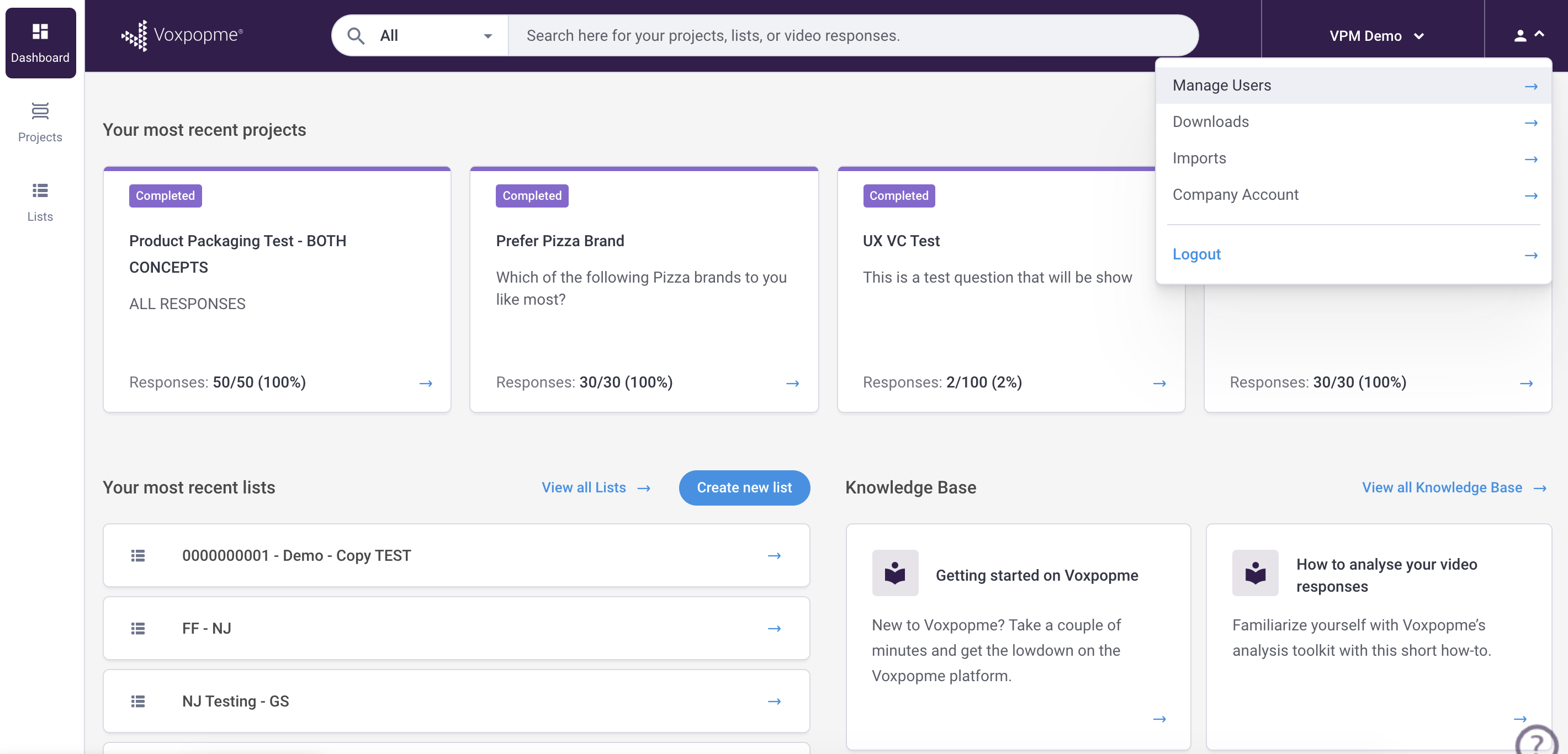
- Navigate to the profile icon in the upper right corner of the platform.
- Select the user management option from the menu.
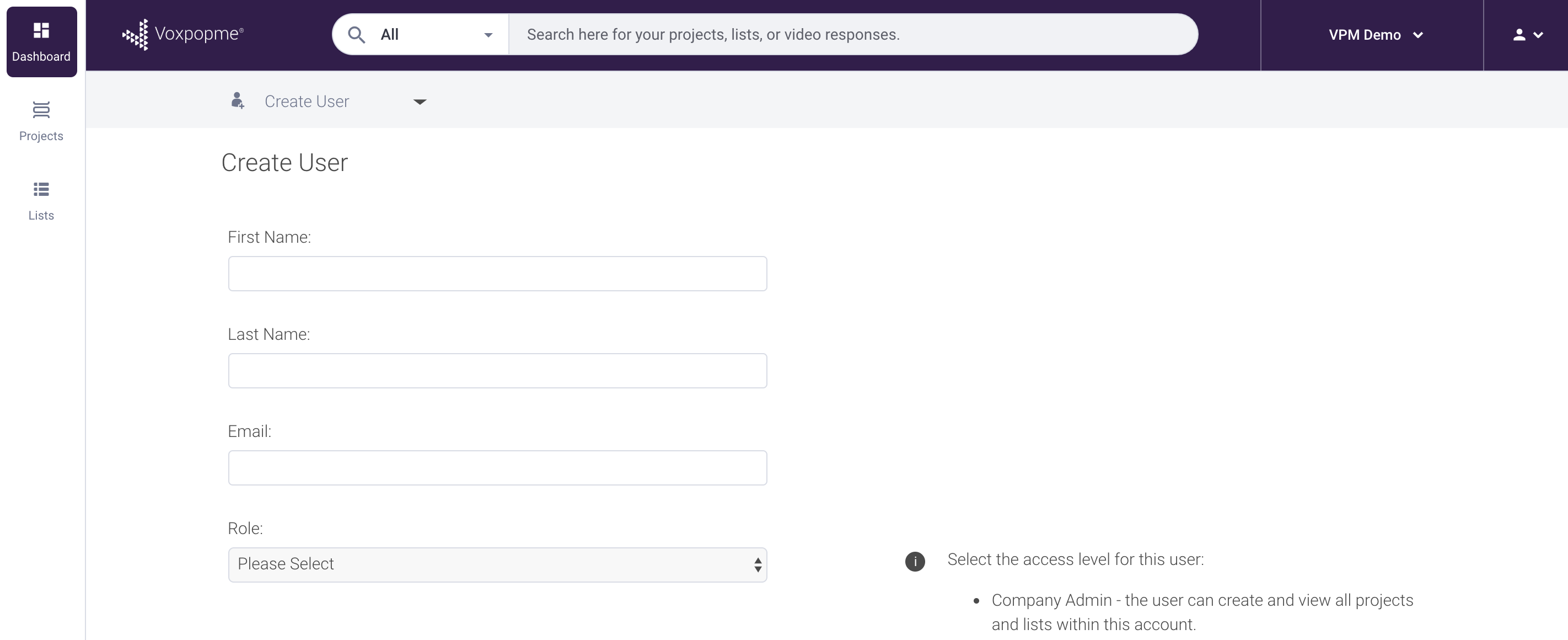
- Click the button to create a new user and enter your colleague’s contact information.
- Your colleague will receive an activation email to begin using the platform.
Important Notes
If a colleague already has an active Voxpopme account elsewhere, they will not receive a duplicate activation email. In this case, contact Voxpopme support for assistance with account linking.