Creating a Showreel
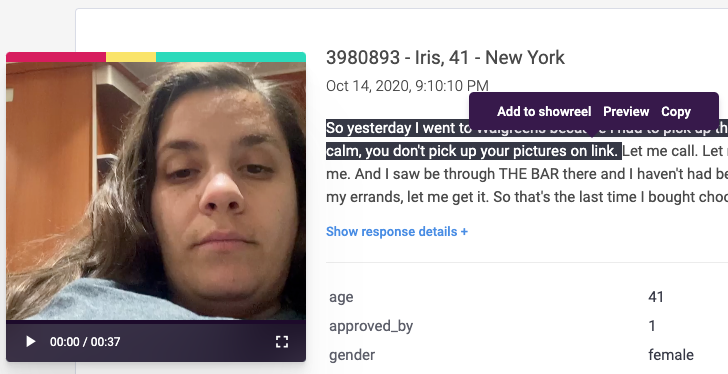
Start by reviewing video responses and identifying clips worth featuring. When you find a compelling segment, highlight the relevant text to trigger the “Add to Showreel” option. Give your showreel a name and continue adding as many video clips as needed for your presentation.
Editing a Showreel
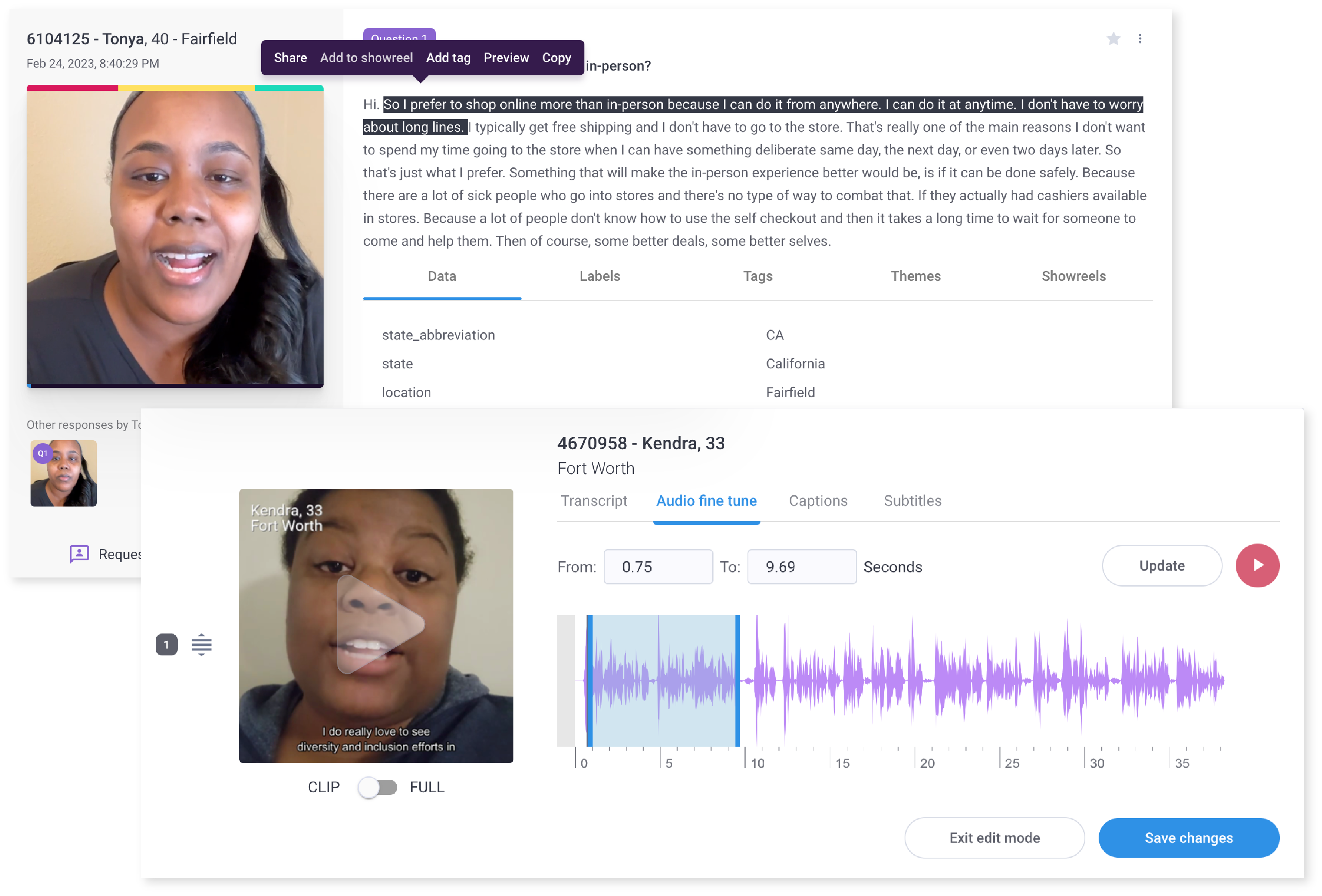
Once your content is collected, navigate to the Showreel Editor and open your showreel. Use the action menu to rearrange video sequences, adjust timing for individual clips, and add captions or subtitles to enhance clarity and engagement.
Crafting a Compelling Story
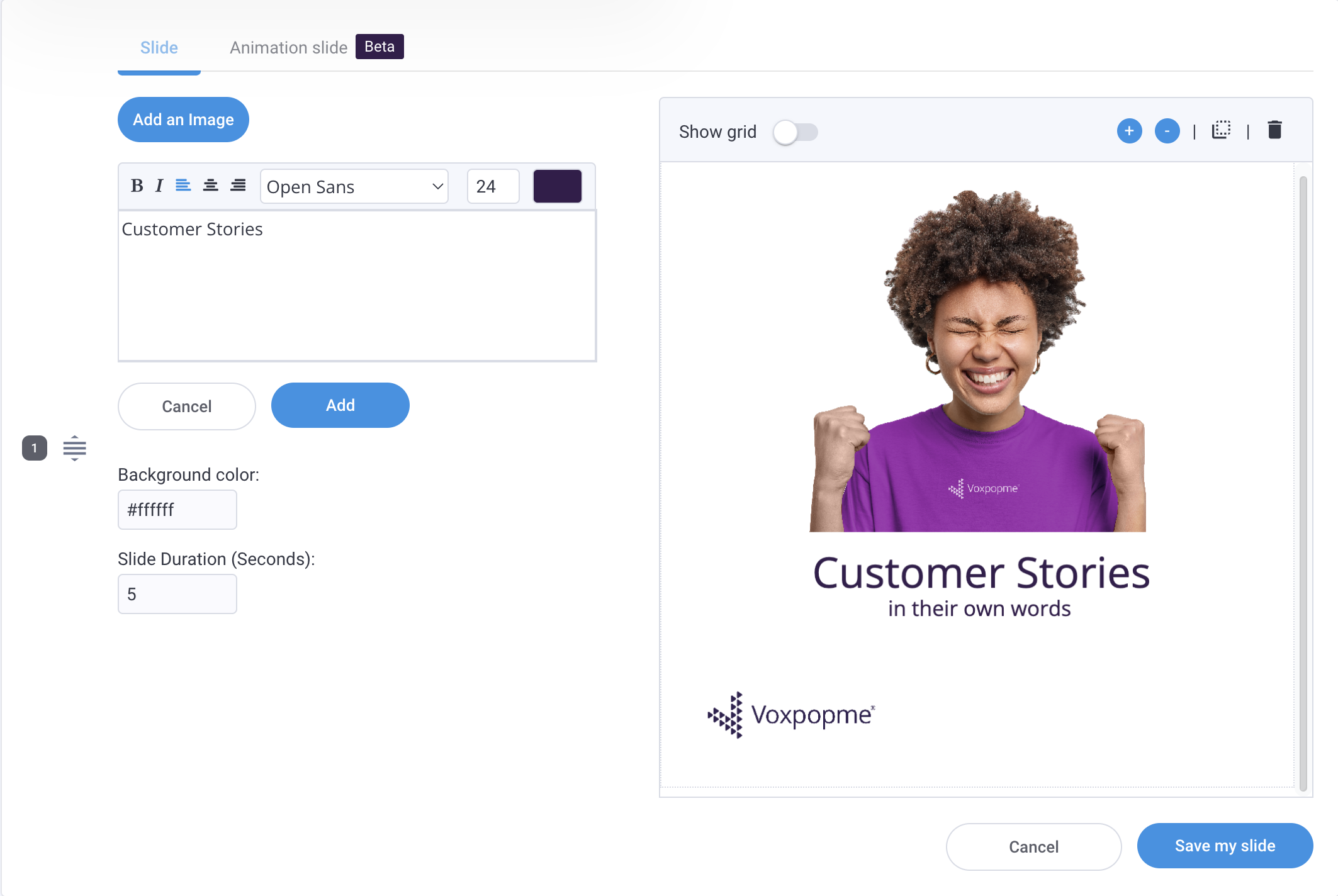
Effective showreels follow a narrative arc with a clear beginning, middle, and end. Start with an intro slide containing imagery and project details, follow with context about your research questions, then showcase your video insights. For multi-part findings, incorporate divider slides to help viewers navigate different themes.
Generating Your Showreel
When your showreel is complete, select “Generate Showreel” to choose a design template and decide whether to include background music. The platform processes the file within minutes, then lets you download the final product or create a shareable landing page for distribution.